Managing Vercel AI Gateway via Vercel MCP: Virtual Models & Budgets
How to manage AI Gateway virtual models (vmc/), team routing rules, and four-scope budgets through Vercel MCP in plain language.
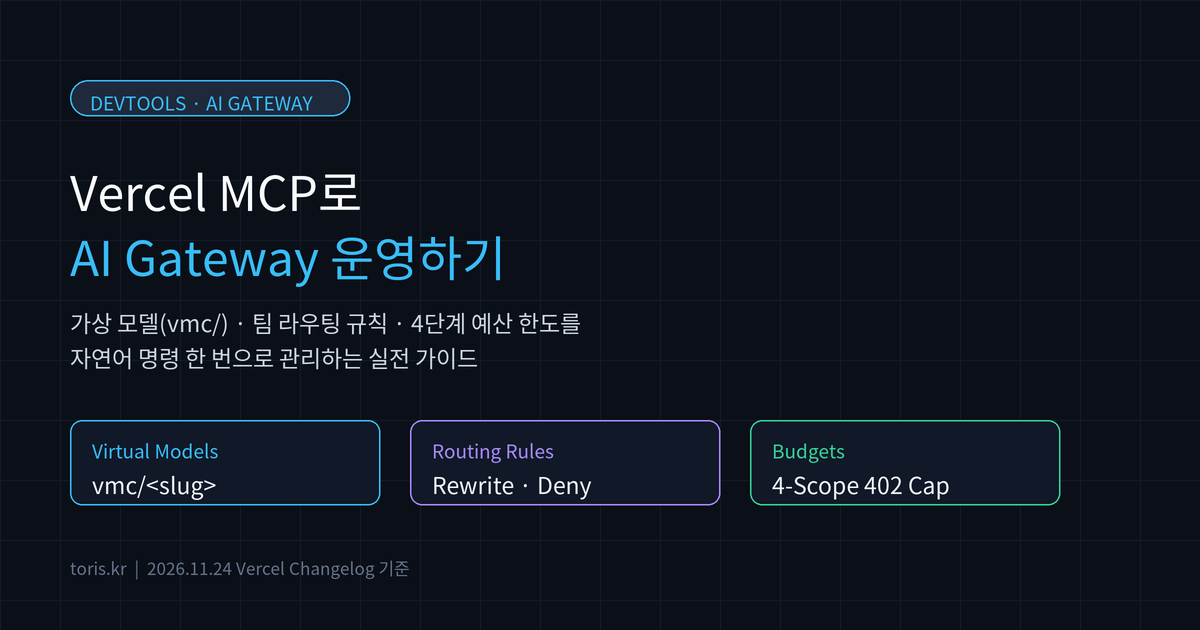
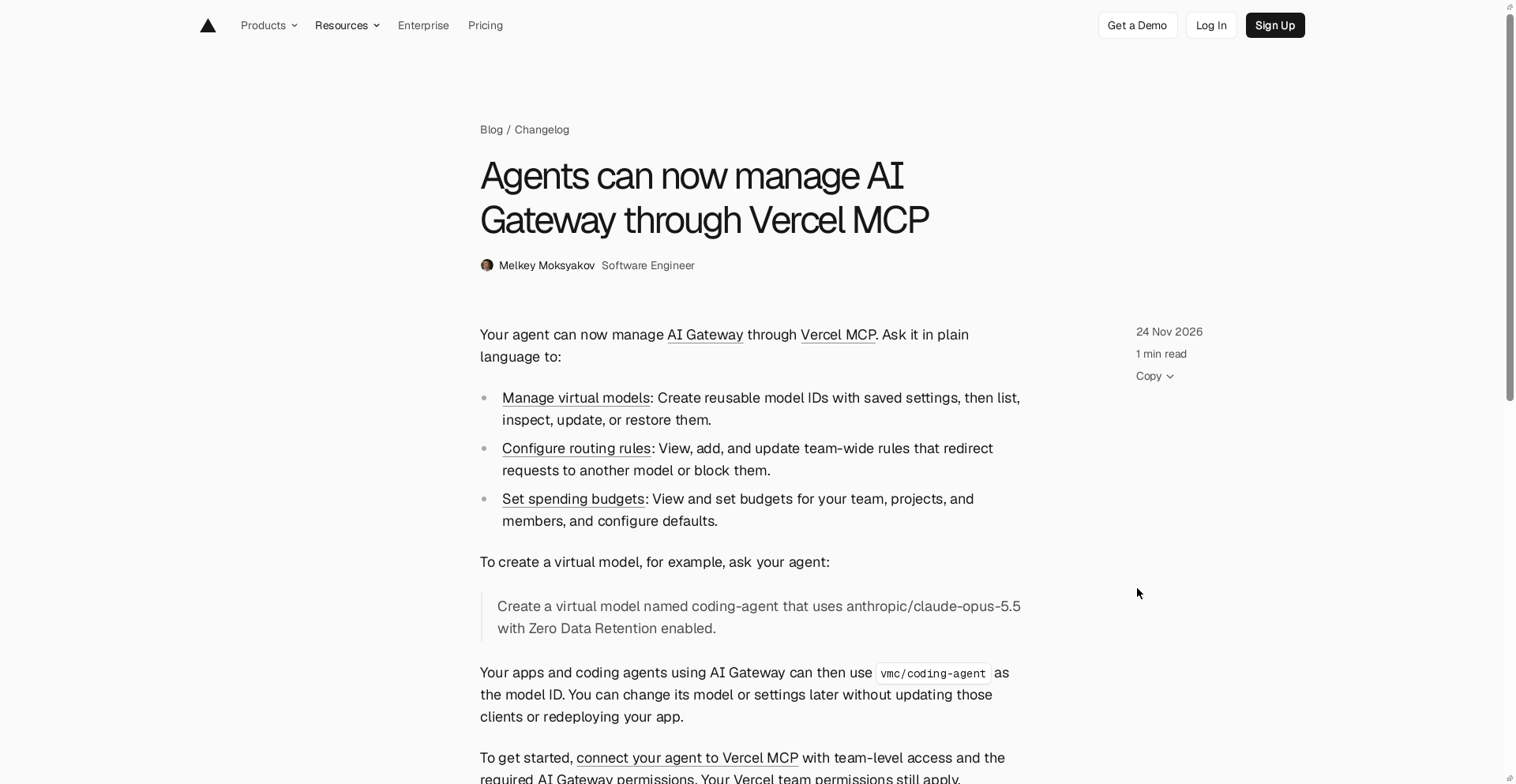
Q. Can coding agents now directly manage Vercel AI Gateway routing and spending budgets? Yes. On November 24, 2026, Vercel added AI Gateway management to Vercel MCP, allowing developers to inspect, create, and update virtual models (
vmc/), team-wide routing rules, and four-scope spending budgets in plain language without opening the dashboard.
⚠️ Accuracy guardrail: This post was written on November 26, 2026 by directly verifying the Vercel Changelog (2026-11-24) and official Vercel MCP and AI Gateway documentation. The full tool-level parameter catalog (
/toolsreference) for Vercel MCP was not separately inspected, and team pricing or RBAC policies may change over time.
30-second summary
- Core update: Through Vercel MCP (
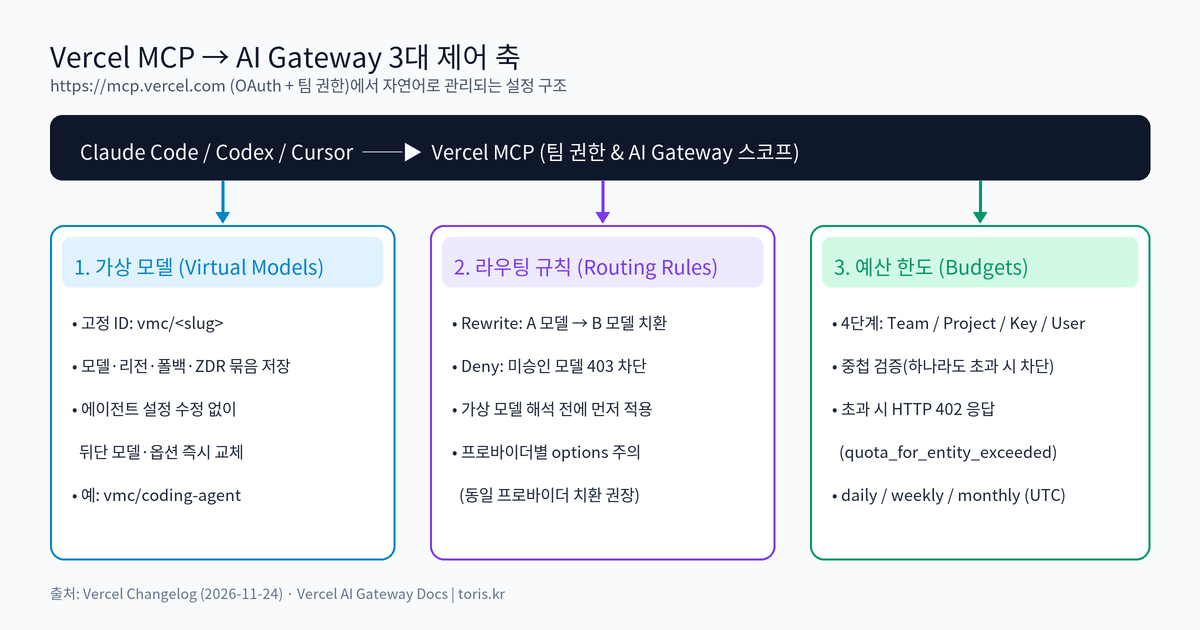
https://mcp.vercel.com), agents can now manage AI Gateway virtual models (vmc/<slug>), team routing rules (rewrite/deny), and spending budgets (Team, Project, API Key, User) in natural language. - Why virtual models matter: Fixing a slug like
vmc/coding-agentlets you swap underlying models, fallbacks, or Zero Data Retention (ZDR) settings later without editing client configs or redeploying apps. - Permissions and guardrails: All actions follow your connected Vercel team RBAC permissions, and exceeding any active budget blocks further requests with HTTP
402(quota_for_entity_exceeded).
What AI Gateway management in Vercel MCP actually changes
Your agent has moved beyond reading deployment logs to controlling model routing policies and spend caps directly.
Vercel MCP (https://mcp.vercel.com) already supported OAuth and Streamable HTTP across Claude Code, Codex CLI, Cursor, ChatGPT, and VS Code for project management and log inspection. With the November 24, 2026 update, the three core operational pillars of AI Gateway are exposed to those same agent sessions.
Asking your agent to "create a virtual model named coding-agent with Zero Data Retention enabled" now executes within your team permissions, cutting down context-switching between terminal and dashboard. This mirrors the broader shift toward agent-native tooling covered in our Claude MCP Skills, Tasks, and Elicitation guide.
Virtual models (vmc/): swapping agent models without redeploying
A virtual model bundles a concrete model ID with provider ordering, fallbacks, regional inference, compliance flags, and observability tags under a reusable vmc/<slug> ID.
Coding agents such as Claude Code or Codex typically only pass a model name and cannot attach per-request AI Gateway headers like zeroDataRetention or providerOptions. Pointing them at vmc/coding-agent ensures every request inherits the saved configuration automatically.
| Setting | Scope | Practical use |
|---|---|---|
Slug (vmc/<slug>) |
Immutable caller ID | Pin vmc/coding-agent in apps or agent configs |
| Provider routing | providerOrder, providerOnly, inferenceRegion |
Restrict to EU inference or approved providers |
| Reliability | models fallbacks, Fast Mode fallback |
Automatically fail over if primary providers fail |
| Compliance | zeroDataRetention, disallowPromptTraining |
Enforce no-retention and no-training across the team |
| Observability tags | observabilityTags |
Override client tags with standardized attribution |
Best of all, you can update the underlying model or routing settings later without redeploying your app or touching developer configs. Through Vercel MCP, agents can also list, inspect, update, and restore these virtual models conversationally.
Team routing rules: rewrite and deny at the gateway
Routing rules let you rewrite or block requests across every call made with your team's AI Gateway credentials.
Rules come in two types: rewrite redirects a source model to a destination model (for example, migrating an expensive model to a lighter tier), while deny blocks unapproved models with an HTTP 403 response.
Three evaluation details are worth keeping in mind:
denyalso blocks virtual models: Denying a concrete model prevents callers from invoking it even through avmc/virtual model.rewriteruns before virtual model resolution: You can rewrite direct model calls into an activevmc/slug. Rewrites do not re-run inside a virtual model (preventing loops), and chained rewrites exceeding 10 hops or cycling return a400error.providerOptionsare not translated across providers: Rewriting an Anthropic request to an OpenAI model dropsproviderOptions.anthropic, so keep rewrites within the same provider or adjust destination options.
Only team Owners and Members can create, edit, or remove routing rules, while Developers have read-only visibility.
Four-scope budgets and HTTP 402 enforcement
AI Gateway budgets cap spend across four scopes—Team, Project, API Key, and User—and every applicable scope is checked before a request starts.
Budgets stack rather than override each other. A request authenticated with a project-scoped, member-attributed API key counts toward the project, API key, user, and team budgets simultaneously. If any single budget in scope is exhausted, AI Gateway rejects the request with HTTP 402 (quota_for_entity_exceeded), even if other scopes still have room.
| Budget scope | What it meters | Reset schedule (UTC) |
|---|---|---|
| Team | All API keys, OIDC, app, and personal tokens | daily / weekly / monthly / none |
| Project | Project OIDC tokens + project-scoped API keys | Midnight UTC (1st of month for monthly) |
| API Key | Single API key (team- or member-attributed) | Falls back to default budget if unset |
| User | Member-attributed keys, PATs, Sign in with Vercel tokens | Default budgets start metering at $0 from creation |
Two operational caveats apply. First, budgets act as a soft cap checked at request start, so the single request that crosses the limit still finishes and total spend can land slightly above the cap. Second, while BYOK spend itself is excluded, the BYOK-without-fallback fee still counts toward the calling key or token's budget.

Before you start: setup and team permissions
Vercel MCP connects over OAuth at https://mcp.vercel.com with no local server setup required.
To configure supported coding agents in one step, run:
npx -y add-mcp https://mcp.vercel.com -g
For Claude Code specifically, run claude mcp add --transport http vercel https://mcp.vercel.com and authenticate via /mcp. Cursor and Windsurf can also connect by adding https://mcp.vercel.com to their MCP config and completing the OAuth prompt. Make sure your connection grants team-level access and the required AI Gateway permissions. This pairs naturally with the CLI-plus-MCP workflow we examined in our Cloudflare Search for Agents guide.
Toris's take
Adopt vmc/ virtual models first, and set default spend budgets before giving agents write access.
- For solo builders and small teams: Separate your coding-agent model (
vmc/coding-agent) from production app models (vmc/prod-chat). When you need to swap models or enforce ZDR, one natural-language command through Vercel MCP updates the gateway without touching code. - When granting MCP write permissions: Leaving budgets unset while letting agents modify routing or models increases the risk of runaway spend. Set at least a
dailyormonthlydefault budget for keys and projects first, and keep routing-rule write access restricted to Owner or Member accounts.
Sources
Advertisement